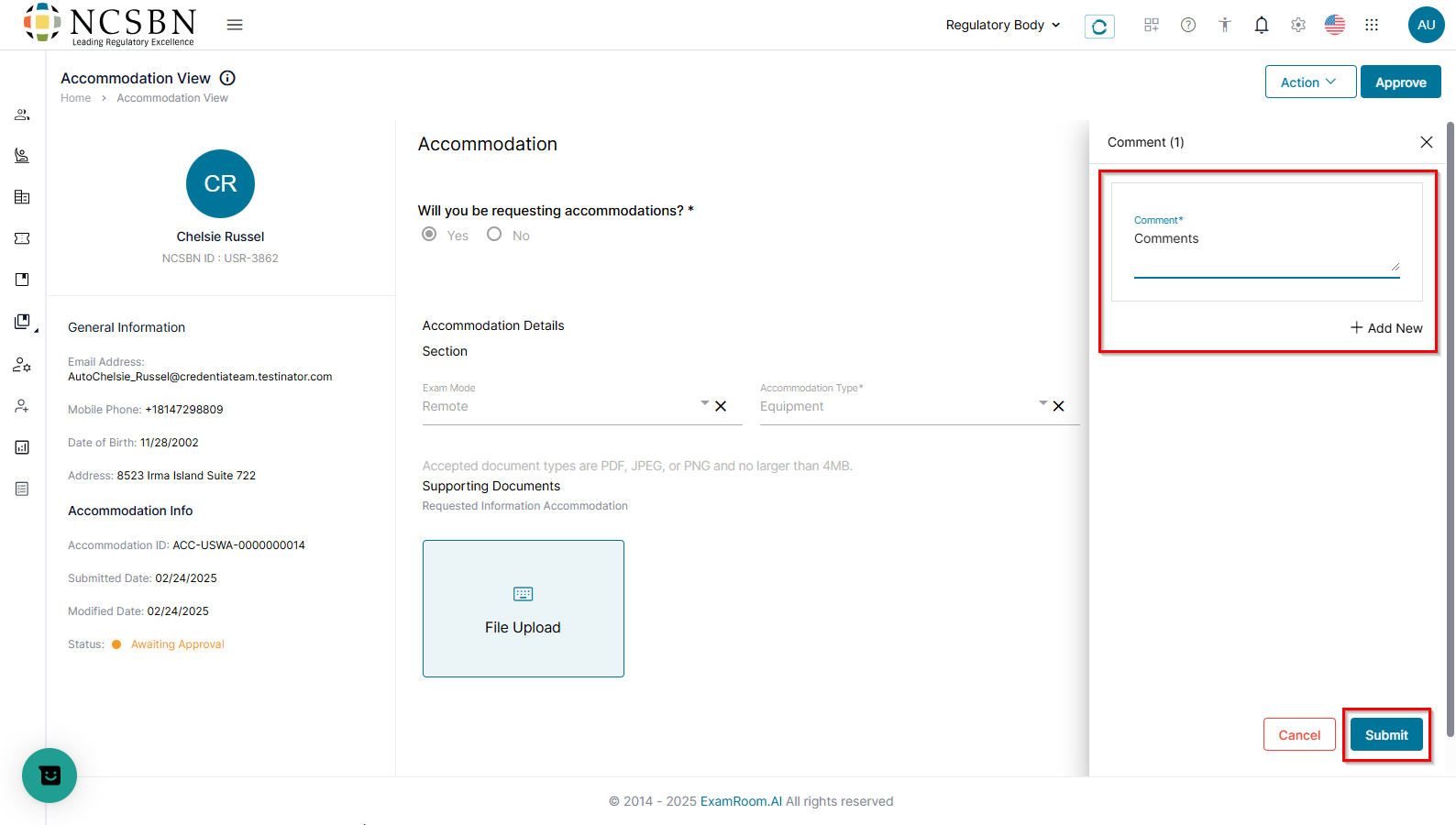
Review Submitted Accommodation
Review provided accommodation details after the candidate submits an accommodation request.
To review the accommodation requests, follow the steps below:
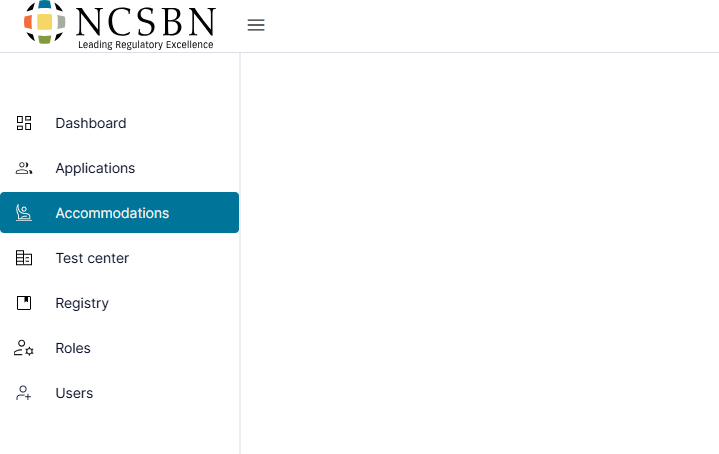
- Click Accommodations from the left-side menu.
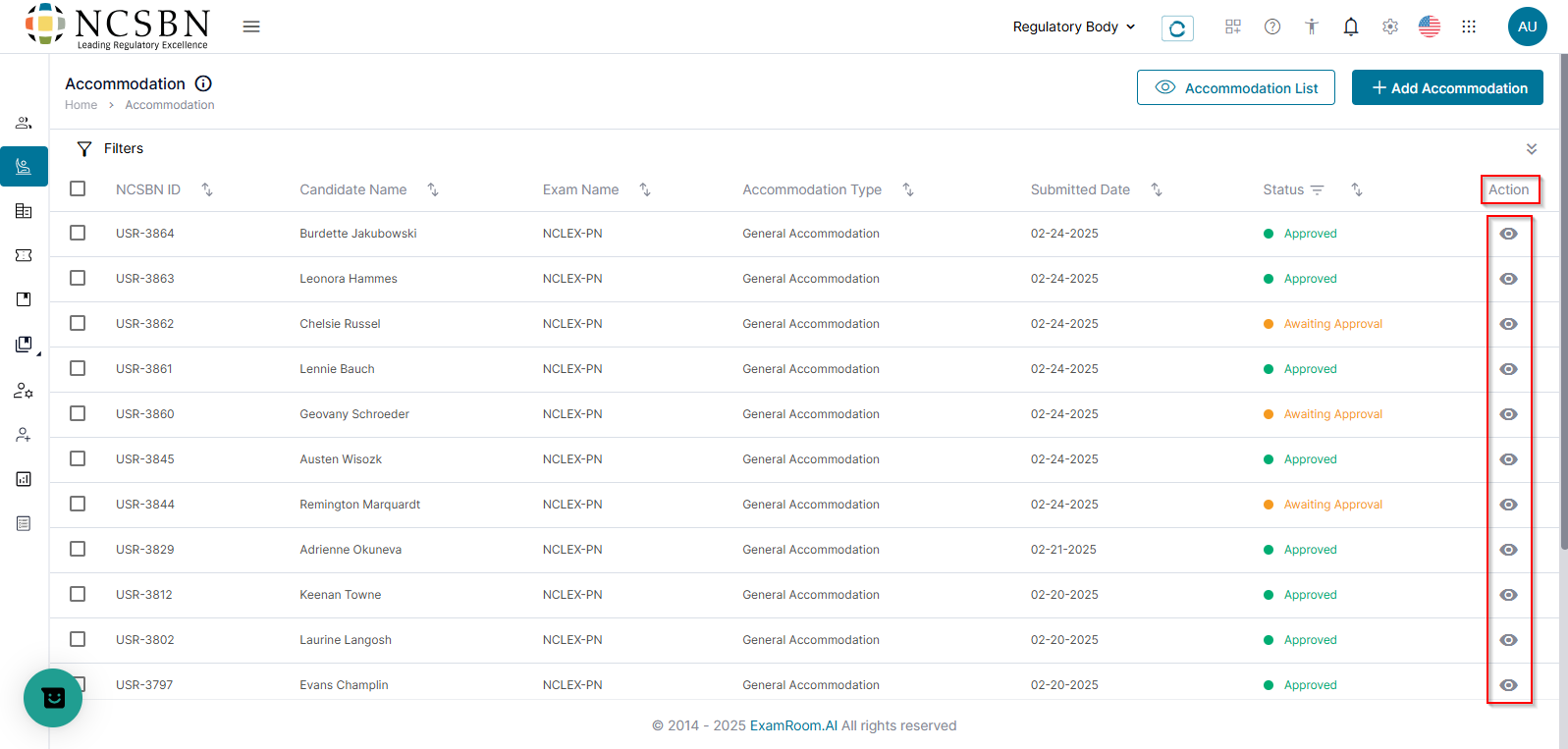
- In the Action column, click the View icon for any request on Awaiting Approval status to review the submitted request details for a selected candidate.
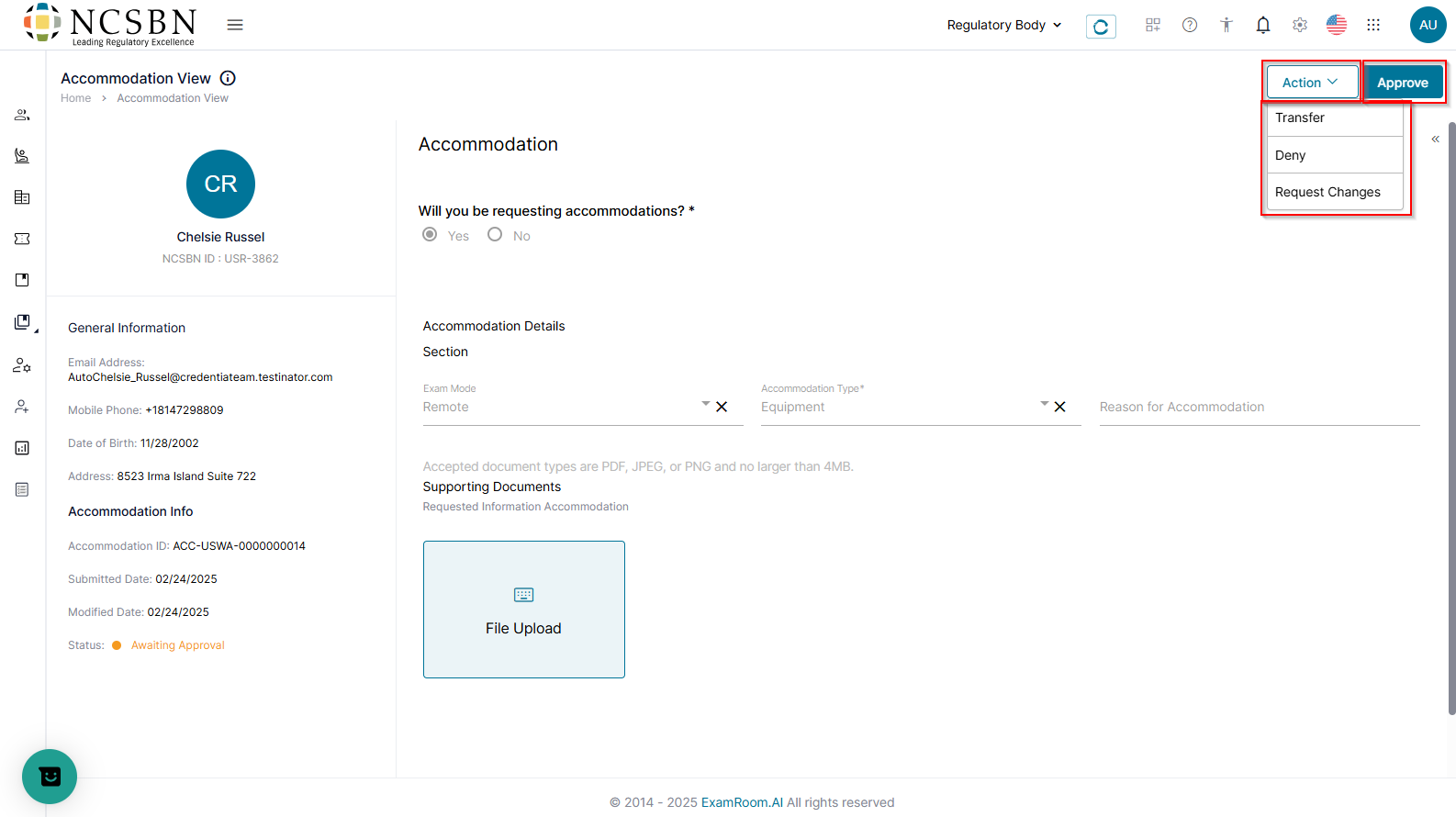
- To process the accommodation request, click the Action dropdown to Transfer, Deny, or Request Changes or Click the Approve to approve the request.
- Click Approve to approve the request.
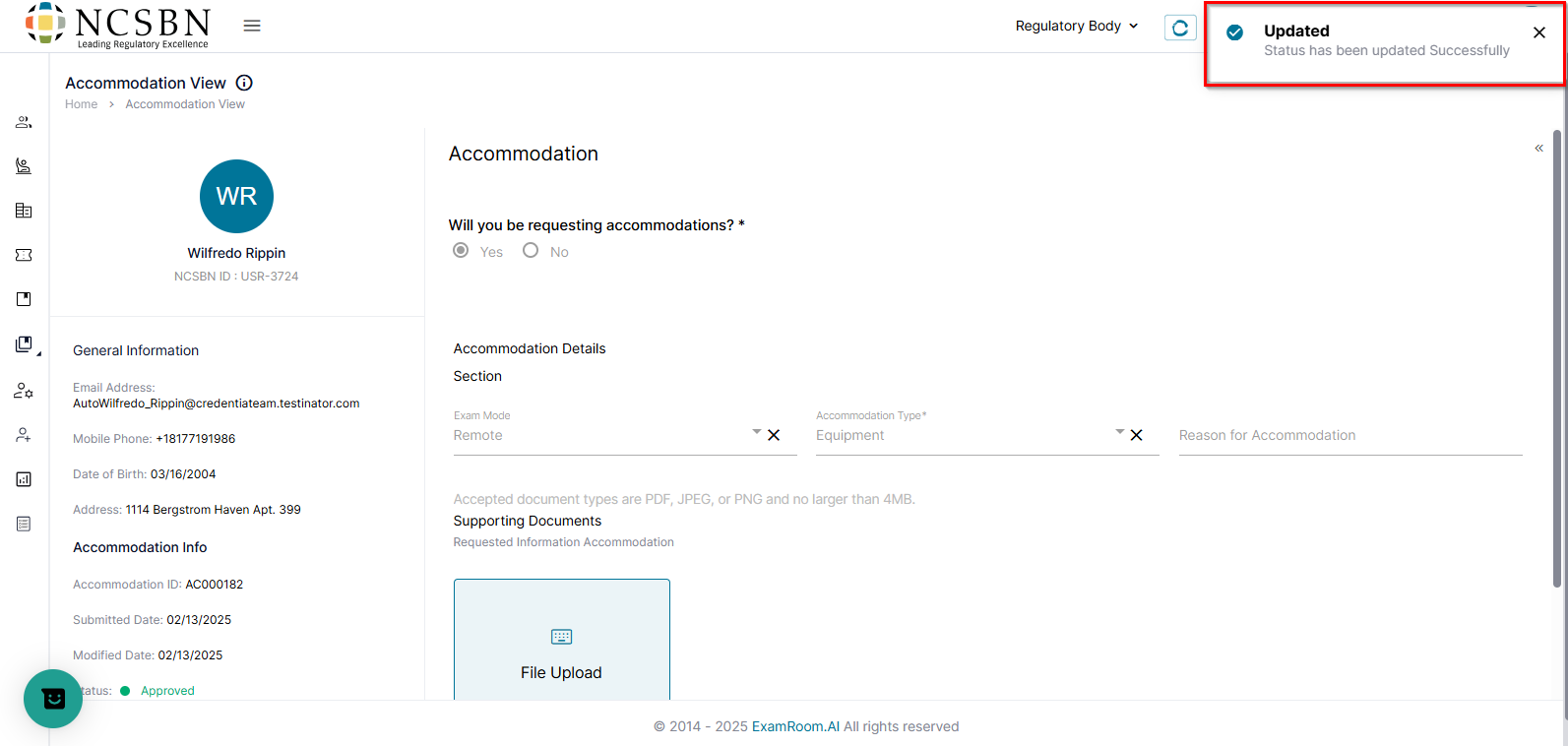
- A confirmation message stating Status has been updated successfully will appear.
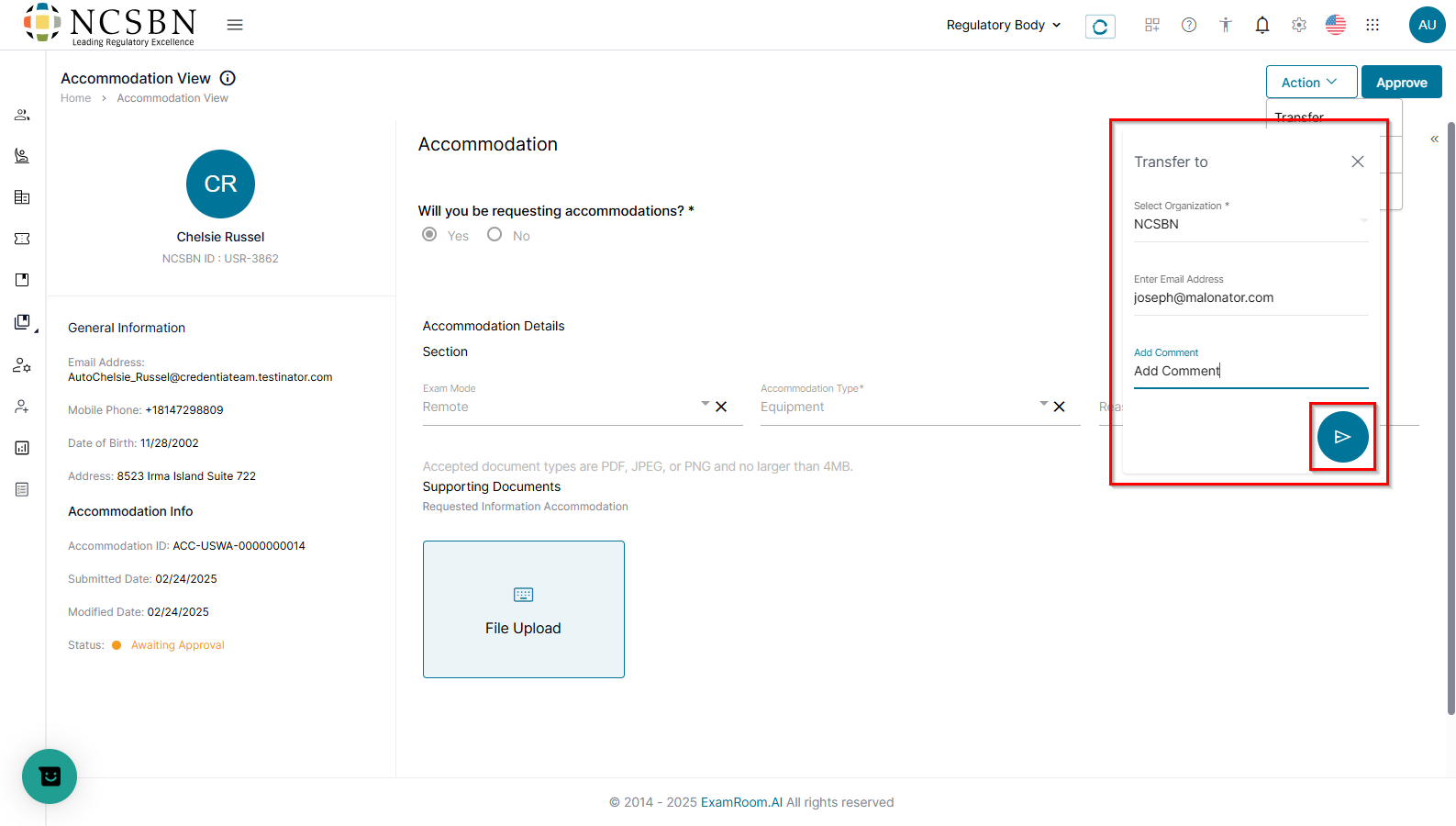
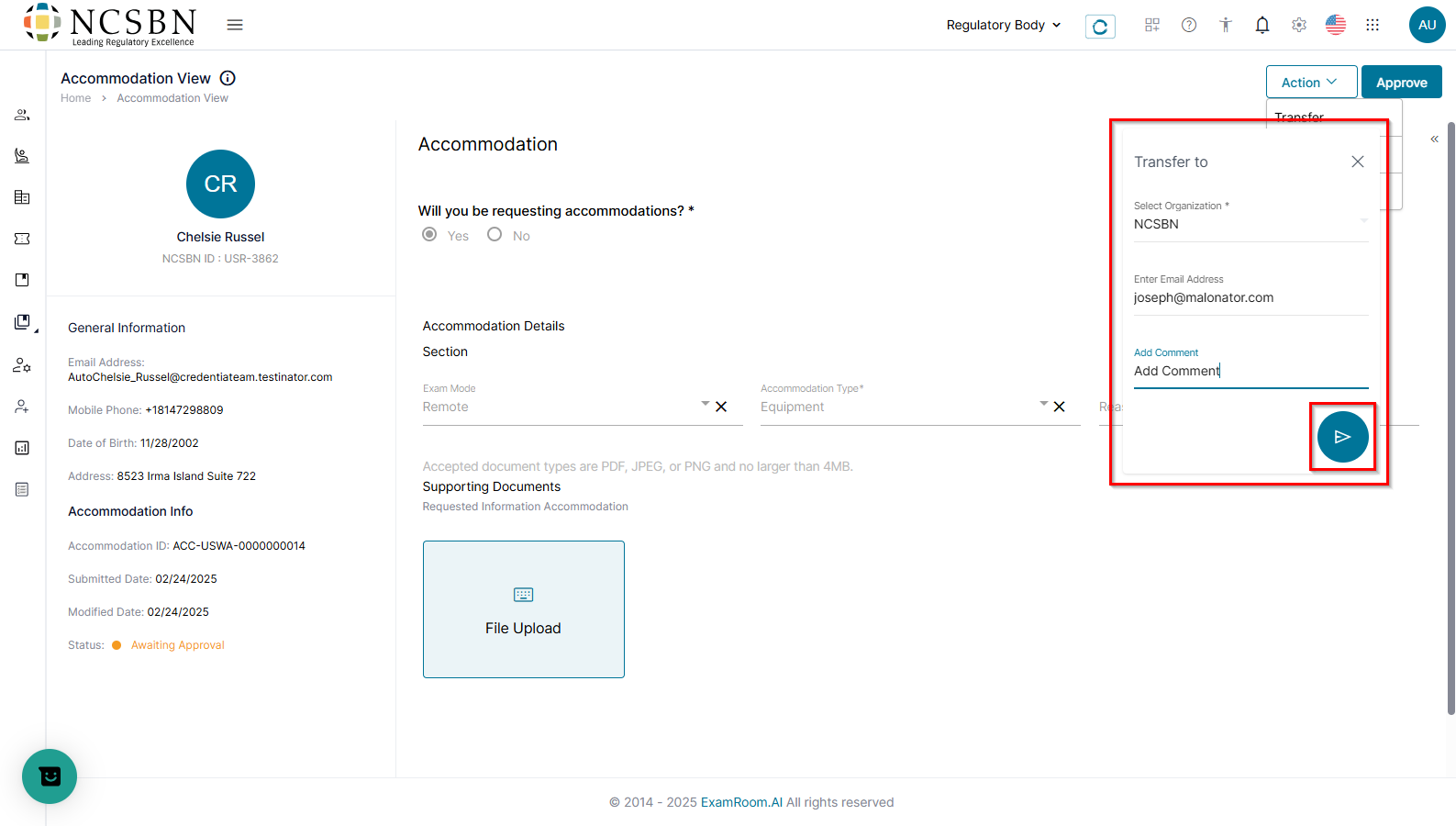
- Transfer: Forward the request to NCSBN for further approval.
- Add the reason under the Comments.
- Click the Send option.
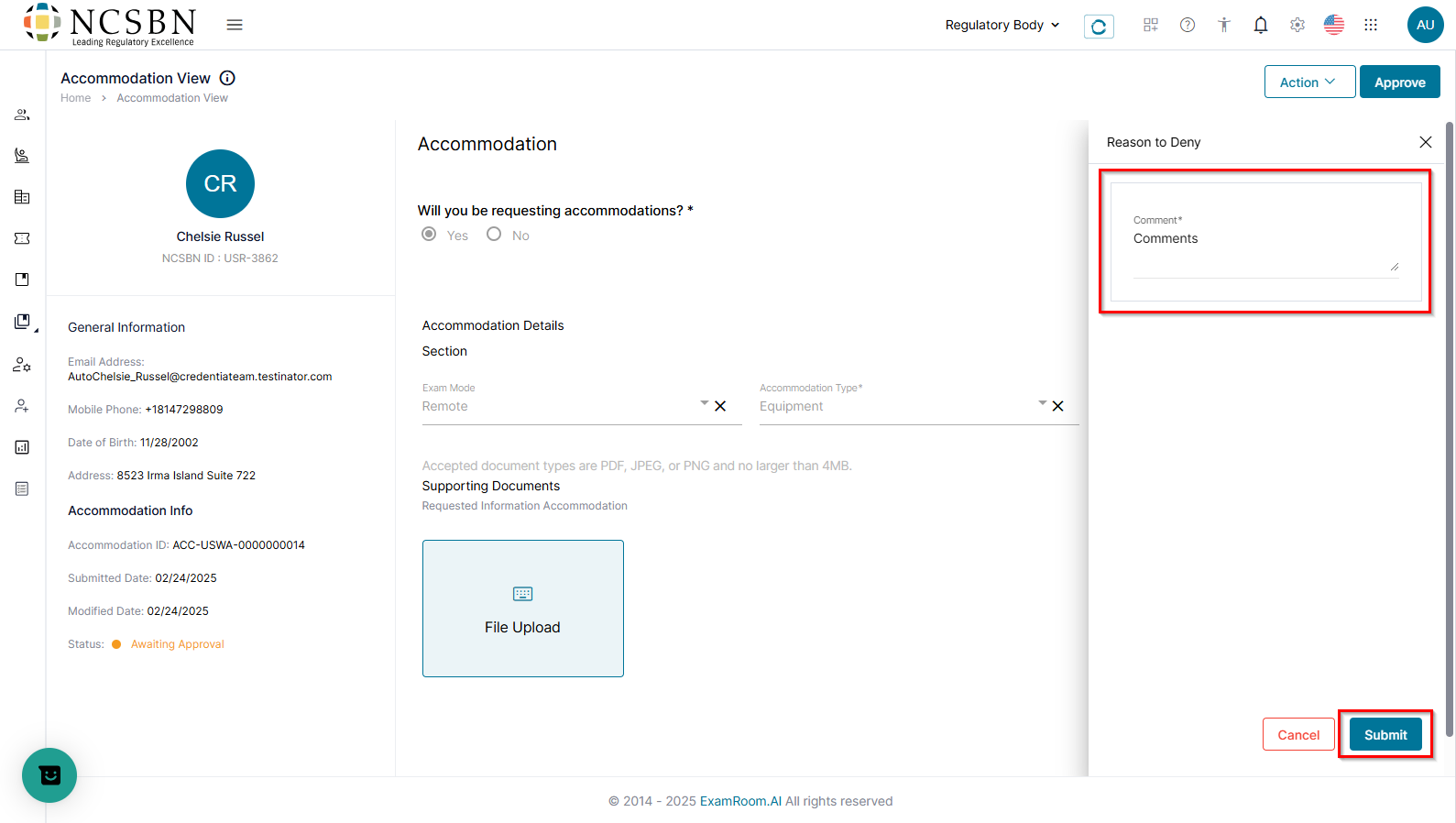
- Deny: Reject the accommodation request.
- Add the reason under the Comments.
- Click the Submit button.
- Click Approve to approve the request.
- A confirmation message stating Status has been updated successfully will appear.
- A confirmation message stating Status has been updated successfully will appear.
- Transfer: Forward the request to NCSBN for further approval.
- Add the reason under the Comments.
- Click the Send option.
- Deny: Reject the accommodation request.
- Add the reason under the Comments.
- Click the Submit button.
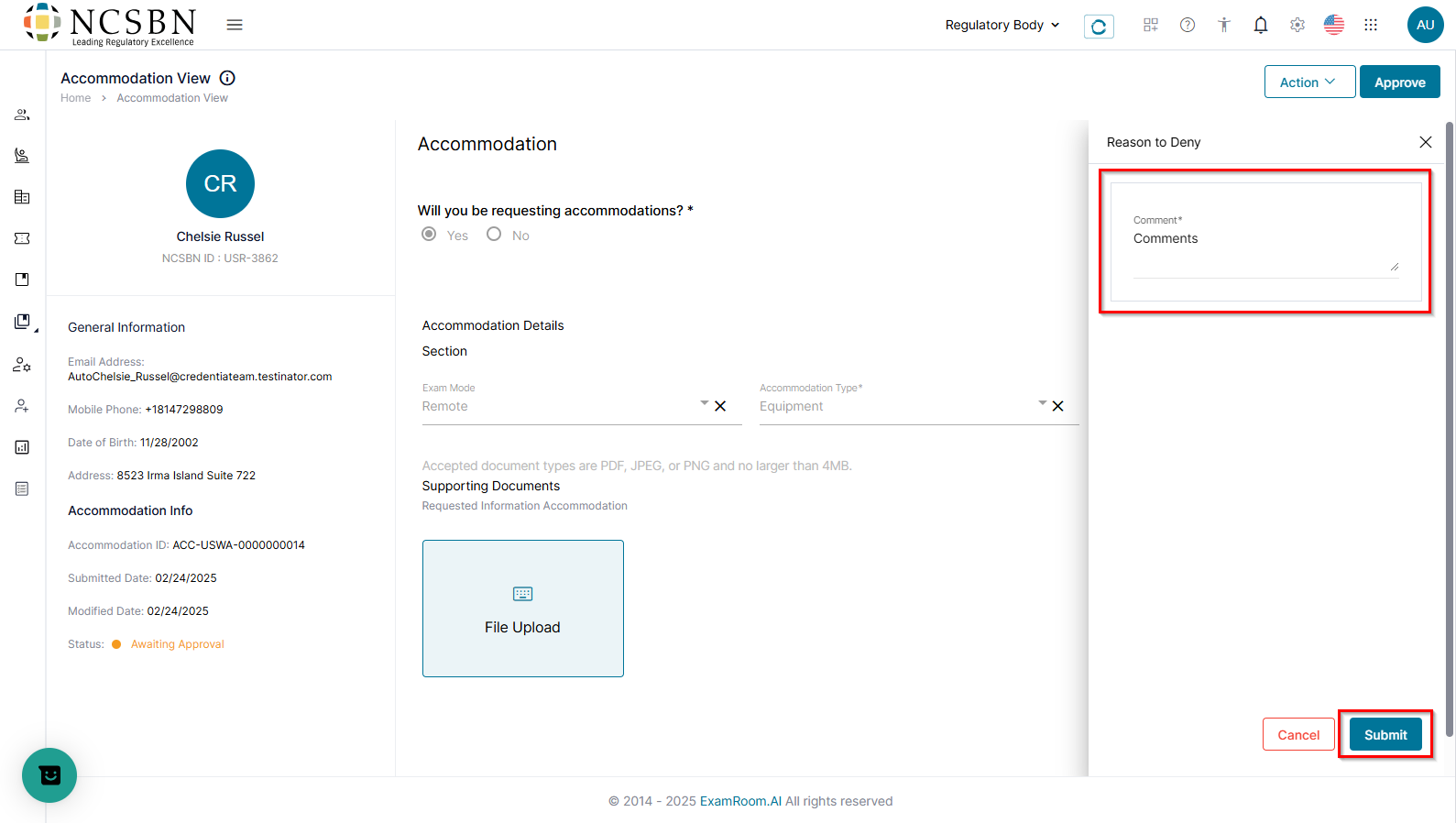
- Request Changes: Request additional details and documentation from the candidate.
- Add the reason under the Comments.
- Click the Submit button.
- A confirmation message stating Status has been updated successfully will appear.
- Click Approve to approve the request.