Add a New Program Code
Adding a new program code.
To add a new program code, follow the steps below:
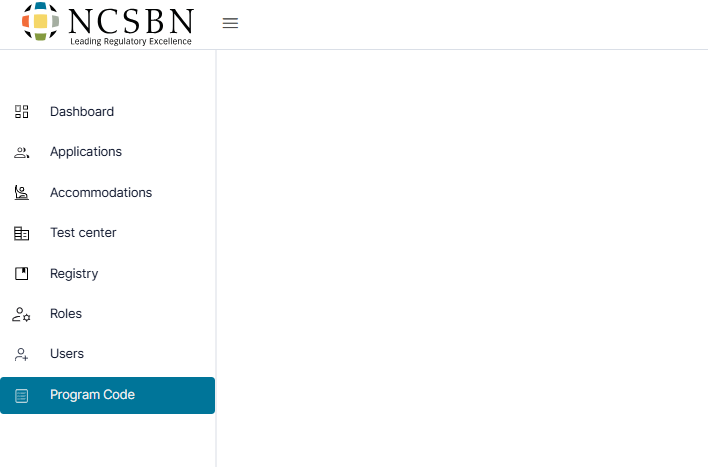
- Click Program Code from the left-side menu.
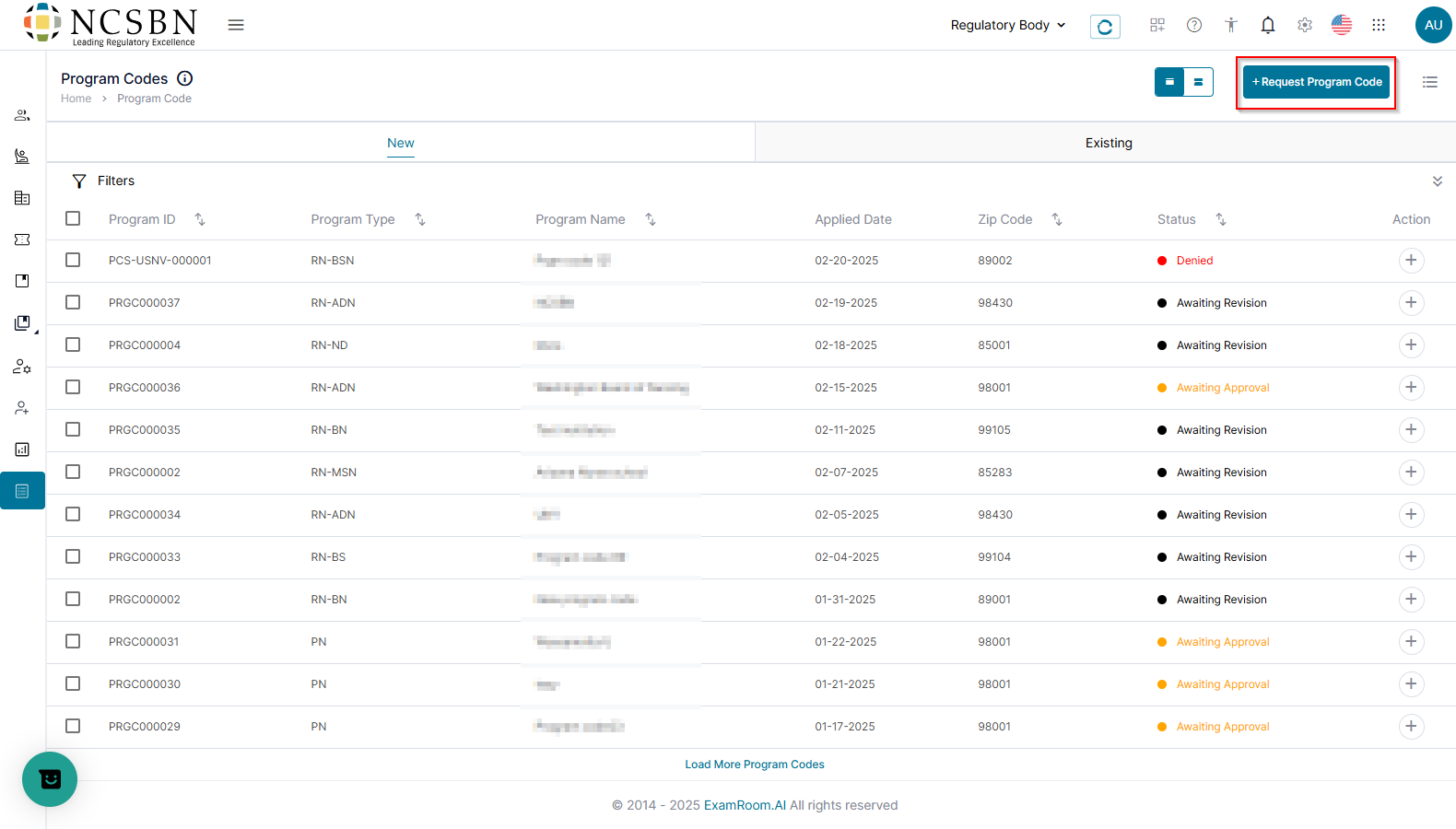
- Click +New Program Code.
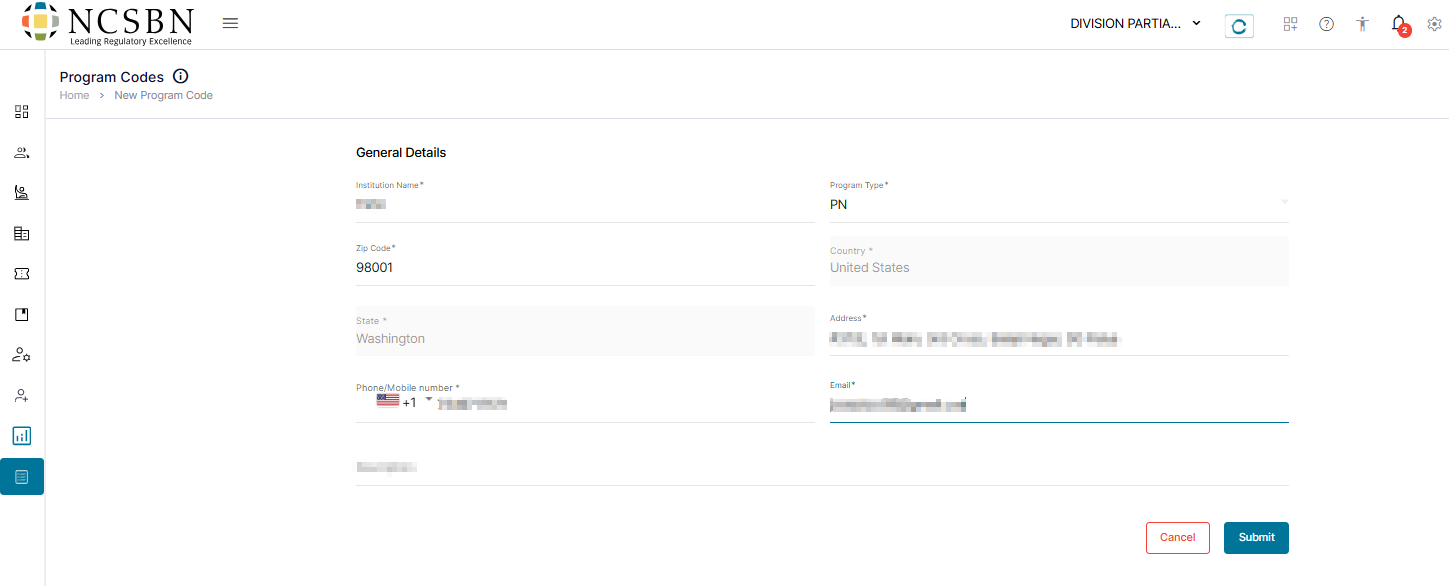
- Complete the General Details including the Institution Name, Program Type, Zip Code, Address, Phone/Mobile Number, Email, and Description.
Note: Once you enter the zip code, the country and state will be auto populated. Ensure the zip code matches the NRB state, as out-of-state zip codes will not be accepted by the system. - Click Submit to save and request the program code. Click Cancel to exit without saving.